

Xiaomi has released a new HyperOS 3 Gallery App update with a refined visual experience, smoother animations, and an improved layout. The update is available in Version 4.3.0.50, sized 88.7MB, extracted from the China ROM but fully compatible with all Xiaomi, Redmi, and POCO devices running HyperOS 2 or HyperOS 3.
This latest update focuses on creating a more polished and responsive interface, giving users a noticeably smoother experience when navigating through photos, accessing menus, or switching between viewing modes.
What’s New in the Updated Gallery App
The main highlight of this update is the introduction of refined UI animations that make transitions and interactions feel more fluid. Menu elements now glide more naturally, and overall responsiveness has improved.
Another useful feature added is the new View Mode options, giving users better control over how their media is displayed:
1. Group by Date
- Displays images based on the day they were taken
- Shows larger thumbnails for a clearer preview
- Ideal for users who prefer a timeline-based layout
2. Compact View
- Displays all images combined in a denser layout
- Shows smaller thumbnails, allowing more images on a single screen
- Perfect for users who want a quick overview of their gallery
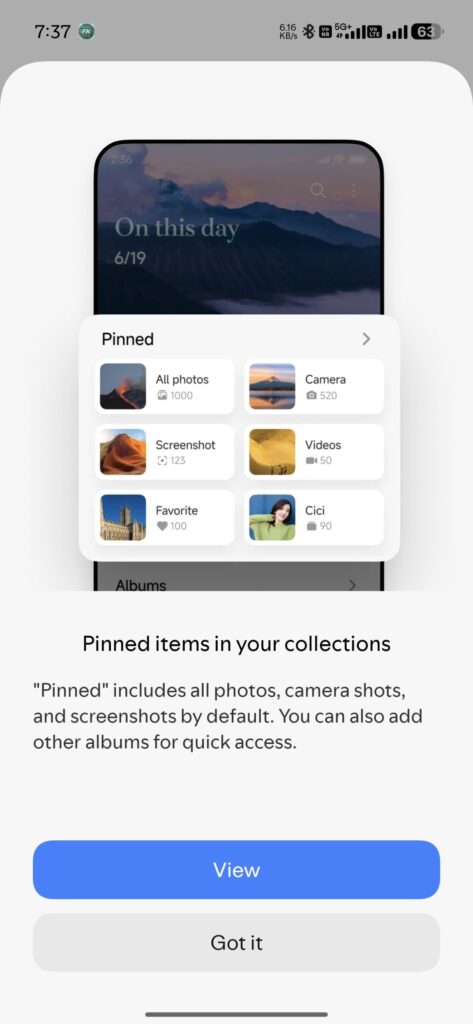
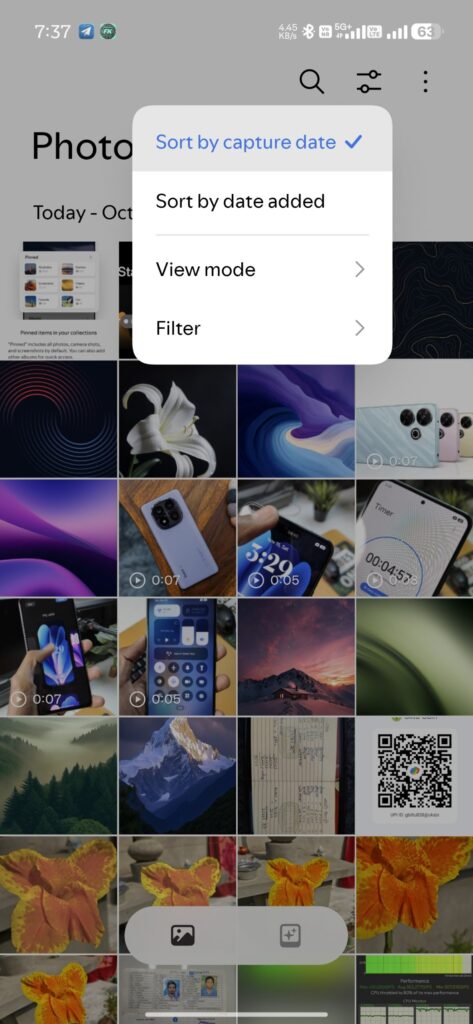
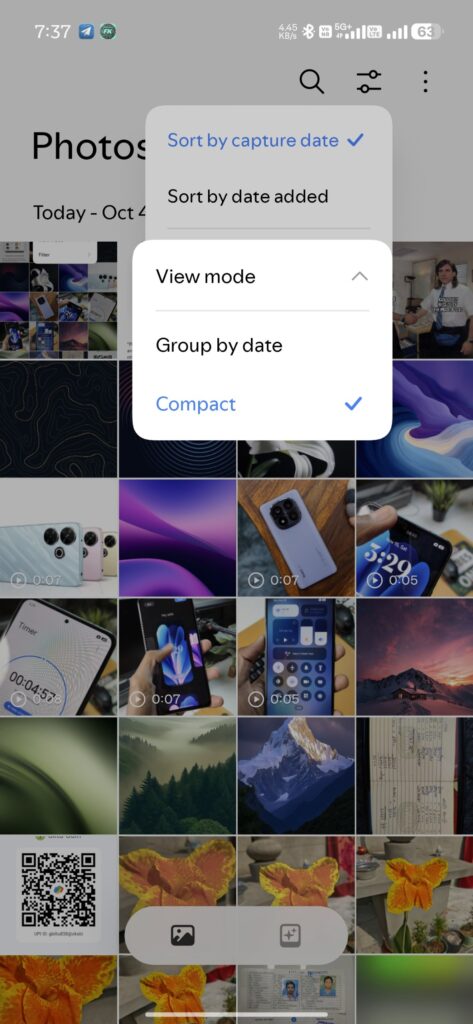
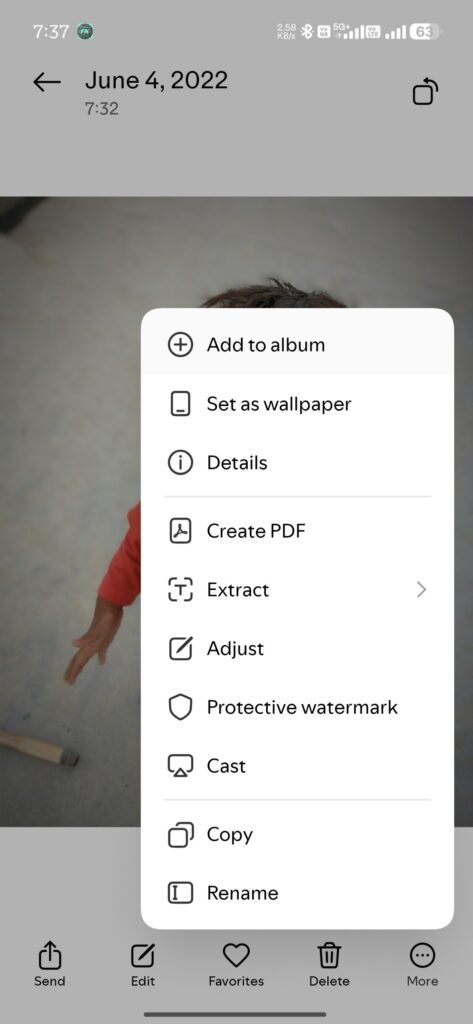
Additionally, Xiaomi has refreshed the ‘More’ options menu that appears when you open an image. The icons now follow a cleaner, minimal design, closely matching the rest of the Gallery app for a more consistent visual experience.
Even though this app originates from the China ROM, it works perfectly on global devices, making it an easy upgrade for users seeking a smoother and modernized media experience.
Changelog
- Refreshing new UI elements
- Improved animations
- Added Compact & Group by Date view modes
- Updated internal version
- Bug fixes and issue resolution
- General performance optimisations
How to Install
- Get Access to the APK (Telegram) file
- Open Xiaomi File Manager
- Tap on the APK to install
- Install it over your existing Gallery version
- Restart the device if needed
- Done – enjoy the updated Gallery app!

For the latest information, join our HyperOS 3 Telegram channel for updates and XiaomiHSU for the latest System Apps.