
Xiaomi has started rolling out a brand-new HyperOS 3 Security App update (Version 12.0.3) for global users. This new update is available for all smartphones running HyperOS 2 and HyperOS 3, and it introduces a noticeably refreshed user interface along with important stability improvements. The latest version comes in a lightweight package of 90.2MB and is now available globally for manual installation.
This update is part of Xiaomi’s ongoing effort to polish the HyperOS 3 user experience by upgrading core system applications. The new Security app update focuses on UI fluidity, smoother user interactions, and a refreshed App Lock experience that now uses Hyper Island for Face Unlock animations — making it more minimal, cleaner, and visually striking.
Update Details
- App Name: HyperOS 3 Security
- Version: 12.0.3
- Size: 90.2MB
- Region: Global
- Compatibility: HyperOS 2.0 and HyperOS 3.0
What’s New in the V12 Security App Update?
The new update brings a series of improvements designed to enhance daily usability and modernize system animations. Here’s what’s upgraded:
• Updated Version
The app receives new internal optimisations, ensuring improved speed and better integration with HyperOS features.
• Bug Fixes & Stability Improvements
Xiaomi has addressed multiple reported issues from previous versions, resulting in smoother operation across all supported devices.
• General App Optimisations
System-level tweaks help the Security app run more efficiently, especially during background scans, app lock operations, and permission checks.
• New Hyper Island Face Unlock Animation for App Lock
This is the biggest highlight of the update.
Previously, the Face Unlock animation for App Lock felt similar to iOS, with a circular zoom-in style.
But with the new V12 update:
- Xiaomi has completely redesigned the App Lock face unlock animation
- The animation now appears directly inside Hyper Island, making the experience minimal, modern, and well-aligned with the HyperOS design language
- The transition effect is smoother and more immersive
- This new approach makes Hyper Island more functional instead of just being a visual UI element
Note: Xiaomi has restricted screenshot capturing inside the App Lock + Hyper Island combination, so users cannot share or capture the animation visually.
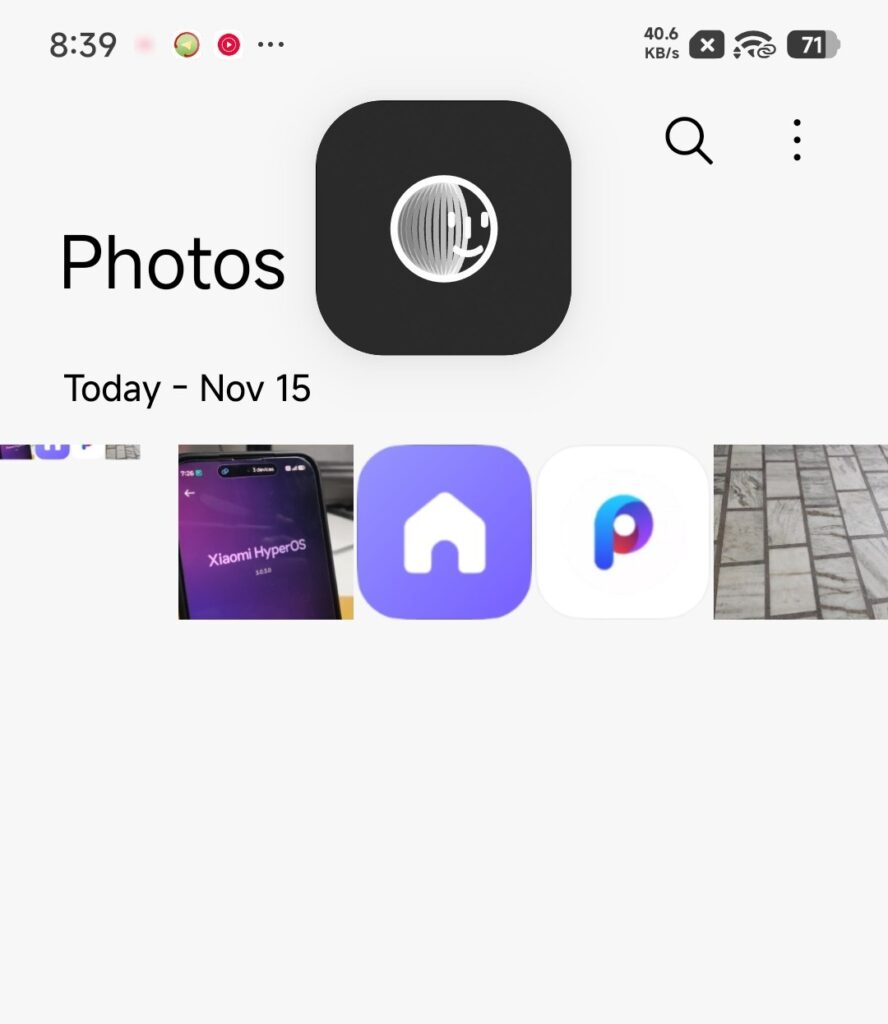
Note: This is the old UI Animation. You can’t take screenshots in the New UI.
How to Install the Update Manually
If the update hasn’t arrived automatically on your phone, you can install it using this simple method:
- Download the APK .
- Open Xiaomi File Manager.
- Tap on the downloaded APK file.
- Install it over the existing Security app.
- Reboot your device if required.
- The update is now installed and ready to use.
Xiaomi continues improving HyperOS 3 not only with major OTA updates but also through polished system apps. The new Security App V12 update makes HyperOS feel more cohesive, thanks to smoother animations and the brilliant use of Hyper Island for Face Unlock in App Lock.
This is a noticeable improvement in day-to-day usability and sets the stage for even more refined HyperOS updates in the coming months.

For the latest information, join our HyperOS 3 Telegram channel for updates and XiaomiHSU for the latest System Apps.


Pingback: Xiaomi Unlocks HyperOS 3 Touch to Share Feature on Some Supported Devices – Here’s How to Enable It - Chroma Tech YT
Face unlock app not install