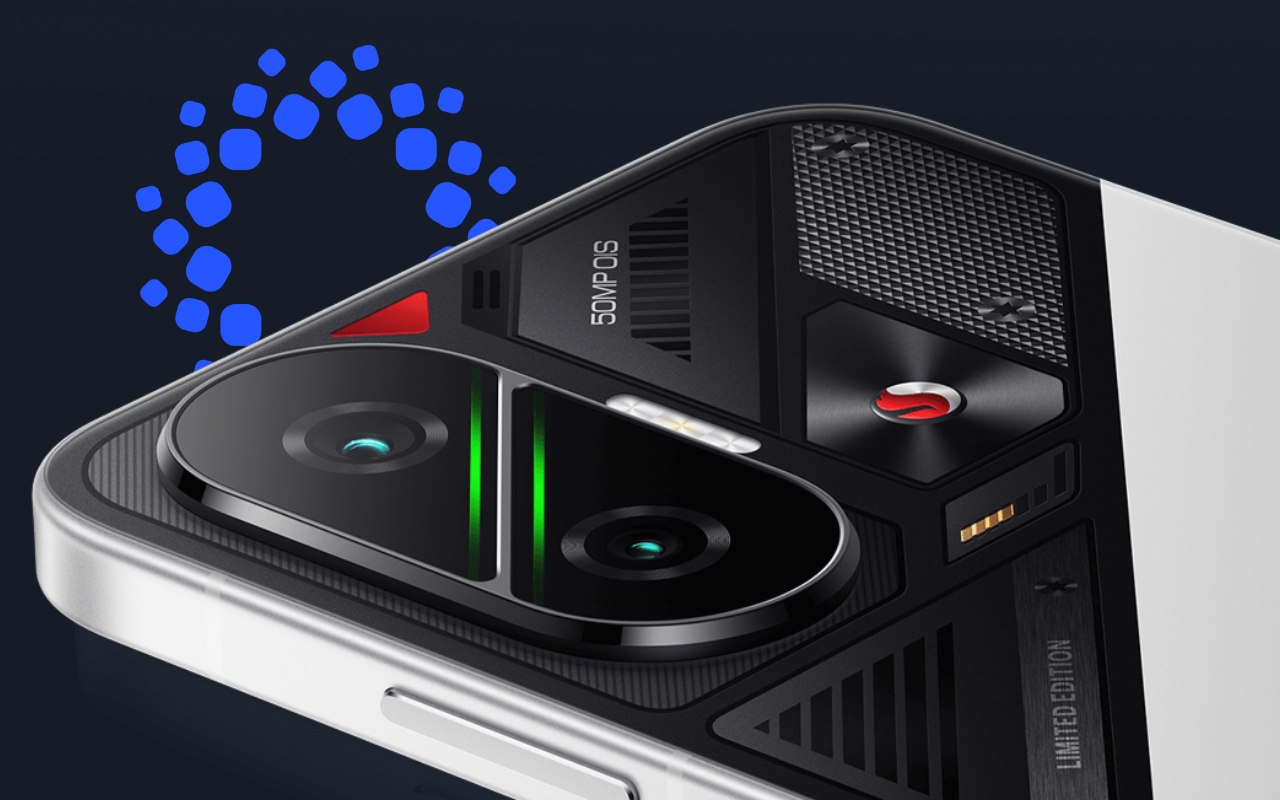

A couple of days ago, the HyperOS 3 update rollout for POCO F7 users in India began, but soon after its release, many users encountered a critical issue with Battlegrounds Mobile India (BGMI). Players reported that BGMI frequently crashed, force-closed unexpectedly, and in some cases even caused the entire device to restart, both during gameplay and shortly after launching the game, making smooth matches difficult or impossible for affected users.
The problem was tied to the HyperOS 3 build OS3.0.2.0.WOLINXM was initially pushed to Indian POCO F7 devices. After widespread user feedback and internal testing, Xiaomi has prepared a fix update specifically for POCO F7 users in India to address the BGMI crash issues and improve overall system stability.
A new stable bug-fix update for the POCO F7 has been spotted on the update servers in India, indicating that a fix for the major issues reported after the initial HyperOS 3 rollout is on the way. The upcoming update is expected to resolve BGMI crashes, unexpected force closes, and random device restarts, delivering improved system stability and smoother gaming performance.
The stable bug-fix build seen on the server carries the version HyperOS OS3.0.3.0.WOLINXM, and it will replace the earlier problematic release once the rollout officially begins.
| Status | HyperOS Version | Details |
|---|---|---|
| Affected Version | OS3.0.2.0.WOLINXM | Caused BGMI crashes, unexpected force closes, and random device restarts during or after gameplay on POCO F7 units in India |
| Bug-Fix Stable Version (Ready) | OS3.0.3.0.WOLINXM | Fixes BGMI crash issues, improves system stability, and delivers smoother gaming performance for POCO F7 users in India |
However, Xiaomi has not yet shared an official rollout timeline for the stable bug-fix update for POCO F7 users in India. While the build HyperOS OS3.0.3.0.WOLINXM is ready; the company has not confirmed when it will start reaching users via OTA.
As with most Xiaomi software updates, the rollout is expected to happen in phases, which means it may take several days or even weeks before all eligible devices receive the update. Users are advised to keep an eye on the system updater and official Xiaomi channels for further announcements.
How to Check HyperOS Bug Fix Update on POCO F7
If you own a POCO F7 and want to check whether the latest HyperOS bug-fix update is available on your device, follow these steps:
- Open Settings on your smartphone
- Scroll down and tap About phone
- Select HyperOS version (or MIUI / System update)
- Tap Check for updates
- If the update is available, tap Download and install

For the latest information, join our HyperOS 3 Telegram channel for updates and XiaomiHSU for the latest System Apps.

