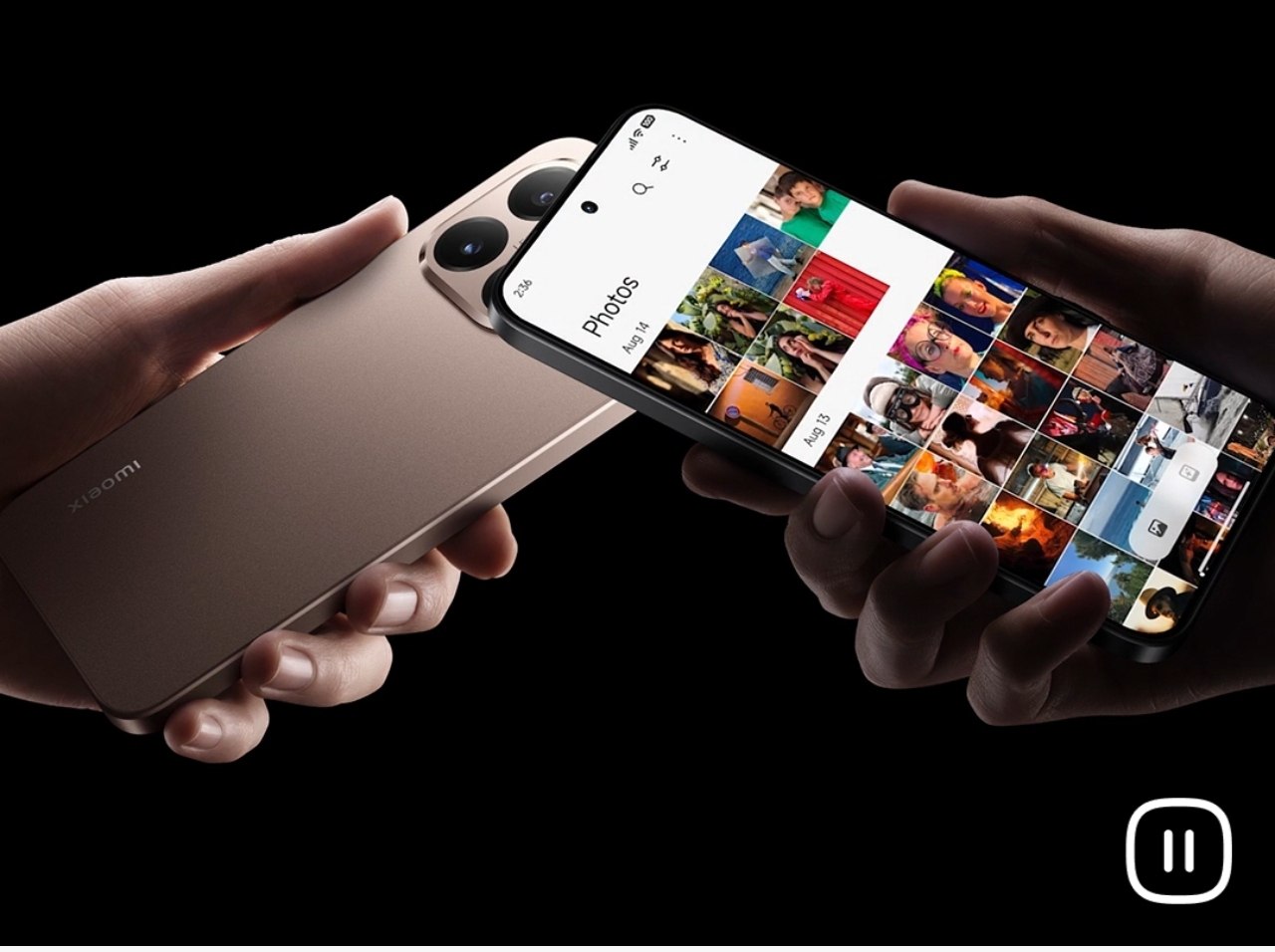

Xiaomi has quietly unlocked a powerful new feature called Touch to Share with its latest HyperOS 3 update based on Android 16. This feature was first announced during the launch of the Xiaomi 14T series, but even now, it does not appear directly inside regular Settings. Users need to manually activate it using a hidden activity method.
The Touch to Share feature has already been tested on devices like the POCO F7, but since it’s still in early deployment, functionality may vary depending on region and device.
What Is the Touch to Share Feature?
Touch to Share is a new-generation file-sharing system that allows users to instantly transfer photos, videos, files, and even Wi-Fi passwords by simply bringing two devices close to each other.
The best part is that it also supports Apple devices, making it a cross-platform sharing solution. However, this feature strictly requires NFC, so it will only work on phones that come with NFC hardware.
In short, Touch to Share offers:
- One-touch file sharing
- Wi-Fi password sharing
- Cross-platform support (including Apple devices)
- No internet required
- Fast and secure local transfer
How to Activate Touch to Share on HyperOS 3
Since this feature is still hidden in the system, you must follow these steps exactly to enable it:
- Download and install the latest HyperOS 3 Security APK on your phone.
- Install Activity Launcher.
- Open Activity Launcher and tap on the search bar.
- Type “Touch to Share”.
- You will see the Mi Share activity appear.
- Tap on it and select Launch Activity.
- Now you will see the Touch to Share toggle.
- Enable the feature and turn on NFC from quick settings.
That’s it. Your device is now ready to use Touch to Share.

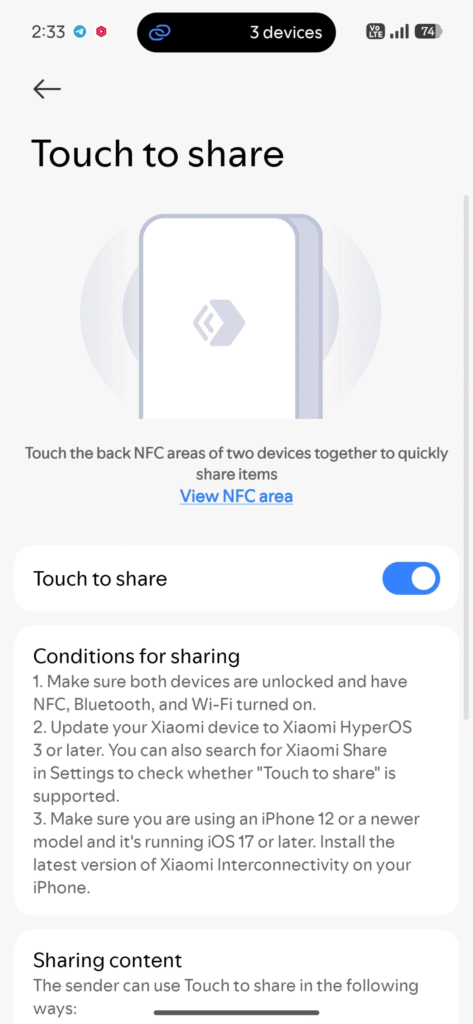
Note: The feature has been enabled successfully on POCO F7, but real-world testing could not be fully verified due to the lack of a second NFC-supported Xiaomi device. If you test it, share your experience.
The Touch to Share feature is one of the most exciting hidden upgrades inside HyperOS 3. Once fully enabled and rolled out officially, it can compete directly with AirDrop and similar sharing tools. For now, advanced users can already access it using the method above.
If you try this feature on your phone, let me know whether it works properly on your device.

For the latest information, join our HyperOS 3 Telegram channel for updates and XiaomiHSU for the latest System Apps.